How to Buy a Domain Name and Launch Your First Website (Beginner’s Guide)
Learn how to buy a domain name and launch your first website step by step. A beginner-friendly guide for entrepreneurs starting an online business.
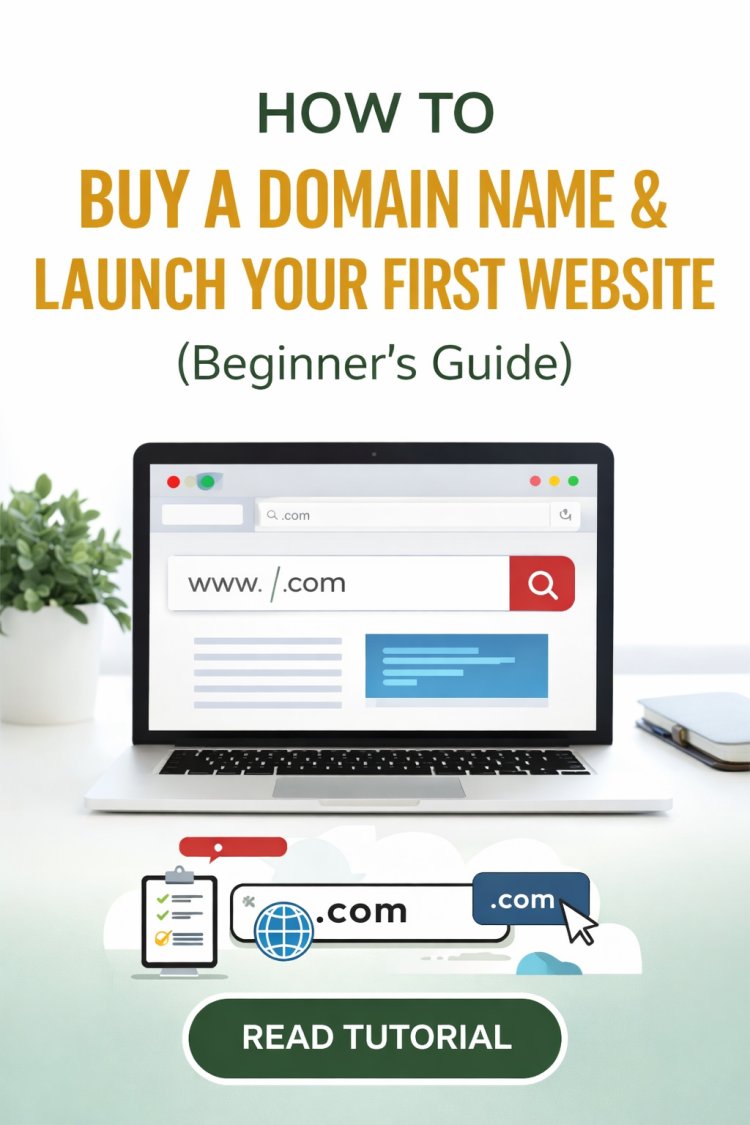
Starting a website is one of the most powerful steps you can take if you want to build an online business, personal brand, or digital income stream. Whether you want to create a blog, portfolio, e-commerce store, or financial education platform, everything starts with one simple thing: a domain name.
In this guide, you’ll learn how to buy a domain name and launch your first website in just a few minutes.
What Is a Domain Name?
A domain name is the address people type in their browser to visit your website.
Examples:
-
google.com
-
amazon.com
-
wealthinsights.co.ke
Think of it as your digital real estate on the internet.
A good domain name should be:
-
easy to remember
-
short and simple
-
relevant to your brand or niche
Why Every Entrepreneur Needs a Website
In today’s digital economy, a website is no longer optional.
A website allows you to:
• build authority in your industry
• attract global audiences
• create digital products
• promote affiliate programs
• generate passive income
Many successful online businesses started with a simple website and a domain name that cost less than $15.
Where to Buy a Domain Name
One of the most trusted domain registrars in the world is Namecheap.
It is popular because it offers:
-
affordable domain prices
-
free privacy protection
-
easy domain management
-
secure and reliable hosting options
You can check domain availability here:
???? Search for your domain name here:
namecheap.pxf.io/EK4j0K
Step-by-Step: How to Buy Your Domain
Step 1: Search for Your Domain Name
Visit the domain search page and type the name you want for your website.
Example:
If it is available, you can register it instantly.
Step 2: Choose the Best Domain Extension
Common domain extensions include:
-
.com (most popular)
-
.co
-
.net
-
.org
For businesses and brands, .com is usually the best option because it is trusted worldwide.
Step 3: Add the Domain to Cart
Once you find an available domain:
Click Add to Cart and continue to checkout.
Most domains cost between $8 and $15 per year.
Step 4: Enable Free Privacy Protection
One advantage of Namecheap is free Whois privacy protection.
This protects your personal details from being publicly visible online.
Step 5: Complete Your Purchase
After payment, the domain will be added to your account and ready to use immediately.
You now officially own your website address.
What to Do After Buying a Domain
Once you own your domain, the next steps are:
-
Get website hosting
-
Install WordPress
-
Start creating content
-
Promote your website
Within weeks, your website can start attracting visitors and generating opportunities.
Example: How Websites Make Money
Many websites generate income using methods such as:
• affiliate marketing
• advertising
• digital products
• online courses
• consulting services
Even small niche websites can generate hundreds or thousands of dollars per month once they gain traffic.
Final Thoughts
Launching a website is one of the smartest investments you can make in your future.
A simple domain name can become:
-
a personal brand
-
a global business
-
a platform that reaches millions of people
If you are serious about building an online presence, the first step is securing your domain name.
???? Check if your domain name is available here:
namecheap.pxf.io/EK4j0K
What's Your Reaction?