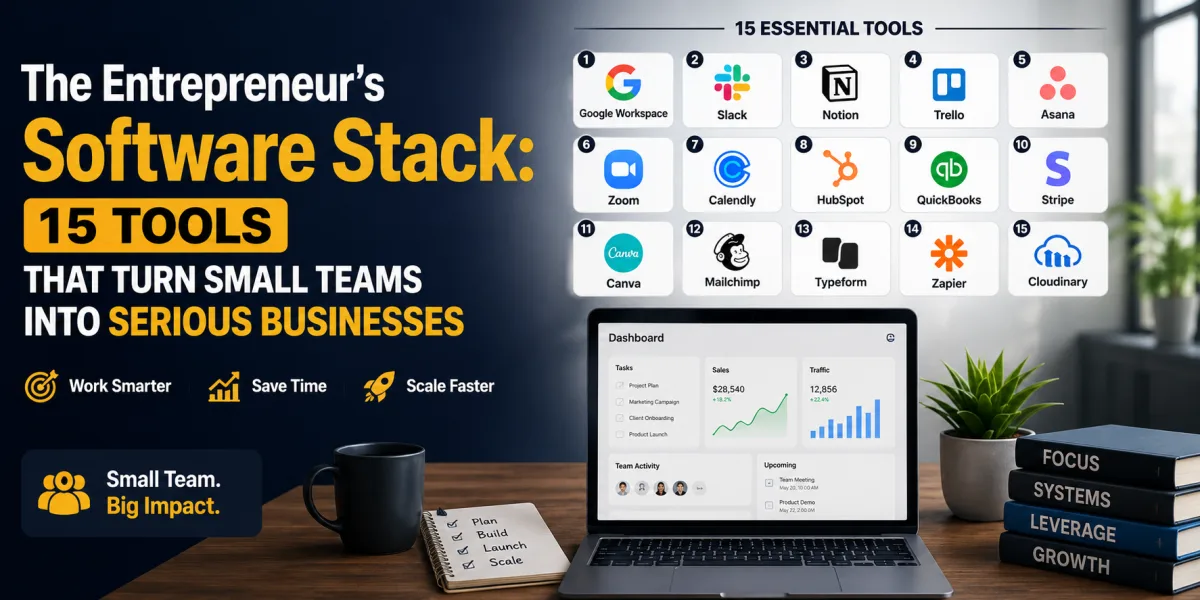
The Entrepreneur’s Software Stack: 15 Tools That Turn Small Teams into Serious Businesses
An entrepreneur does not need a large staff to operate professionally. A disciplined software stack can help one person invoice like a finance department, sell like a sales team, market like a media company, analyze like an operations manager, support customers like a help desk, and manage projects like a larger organization.
That is the modern advantage. The right tools allow a small business to look organized before it is large. They reduce manual work, preserve customer history, automate routine follow-up, protect passwords, track cash flow, publish content, collect payments, manage deadlines, and help the owner make decisions from data rather than memory.
But software can also become a trap.
Many entrepreneurs collect tools without building systems. They subscribe to a design tool, an accounting tool, a CRM, a task manager, an email platform, an AI tool, an automation platform, a scheduling app, a website builder, a payment processor, a file-storage service, and several social media apps. Each subscription seems affordable alone. Together, they become a monthly leak in the business.
This is the paradox of entrepreneurial software. Tools can create leverage, but tool sprawl creates waste.
The market will keep pushing entrepreneurs toward more software, not less. Gartner forecast worldwide IT spending to reach $6.31 trillion in 2026, up 13.5% from 2025, with continued momentum around AI infrastructure and software. Fortune Business Insights estimated the global SaaS market at $315.68 billion in 2025 and projected it to grow from $375.57 billion in 2026 to $1.48 trillion by 2034.
That expansion means business owners will face a constant stream of new platforms promising faster growth, easier automation, better marketing, and more productivity. Some will be worth paying for. Many will not.
The goal is not to use every tool. The goal is to build a lean operating system for the business. A useful software stack should help an entrepreneur answer practical questions: Where is the money? Who are the customers? What work is due? Which leads need follow-up? What content must be published? Which campaigns are working? What tasks can be automated? What data must be protected? What should the owner focus on next?
The best software tools do not merely make a business more digital. They make it more disciplined.
Before Choosing Tools, Define the Business System
Software should follow the business model. A freelance consultant does not need the same stack as an ecommerce seller. A digital agency does not need the same tools as a local service business. A course creator does not need the same workflow as a restaurant, contractor, or software startup.
Start with the core operating cycle. How does the business attract attention? How does it capture leads? How does it sell? How does it deliver the product or service? How does it collect payment? How does it support customers? How does it track financial performance? How does it improve over time?
Each tool should serve one part of that cycle.
For example, a service entrepreneur may need a website builder, scheduling tool, CRM, proposal tool, project management software, accounting software, payment processor, email marketing platform, and file-storage system. An ecommerce entrepreneur may need a store platform, payment processor, inventory tool, email marketing tool, analytics dashboard, accounting software, help desk, design platform, and advertising tools.
A software stack should be designed like an organization chart for the work. Finance tools manage money. CRM tools manage relationships. Project tools manage execution. Marketing tools manage demand. Analytics tools manage insight. Security tools manage risk. Communication tools manage coordination.
When tools overlap without purpose, the stack becomes cluttered. When tools connect around the business model, they create leverage.
1. Accounting Software
Every entrepreneur needs accounting software because every business eventually has to answer the same financial questions: Are we profitable? Who owes us money? What expenses are rising? What taxes are building? How much cash is actually available? Which products or services create the strongest margins?
Accounting software is not only for tax season. It is the owner’s financial dashboard. A business that waits until the end of the year to understand its numbers is not managing finances; it is reconstructing history.
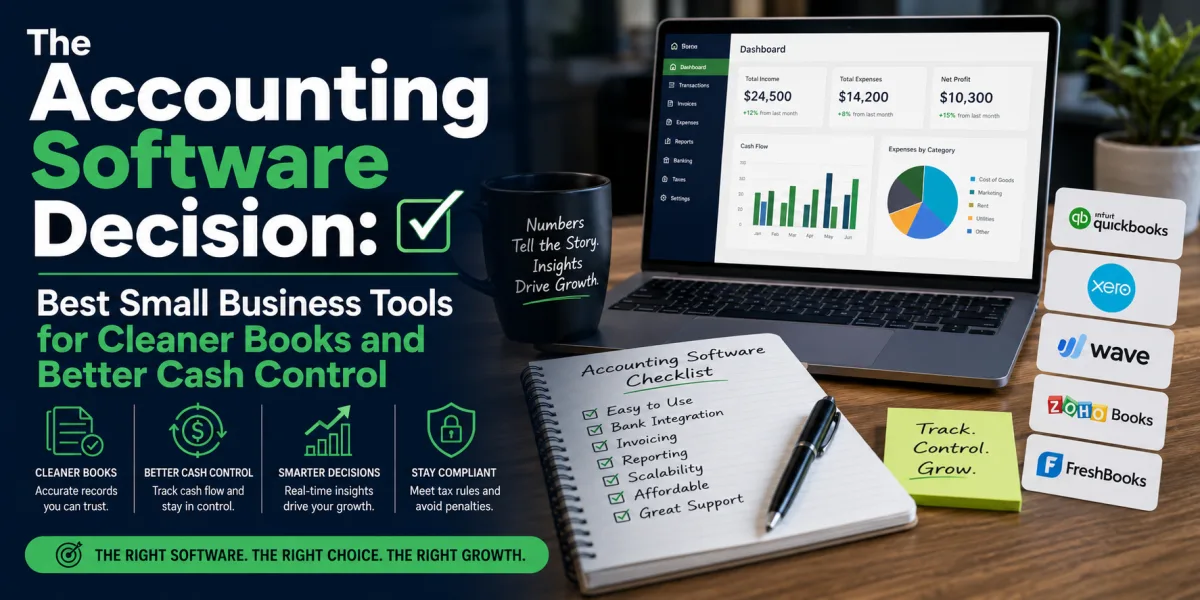
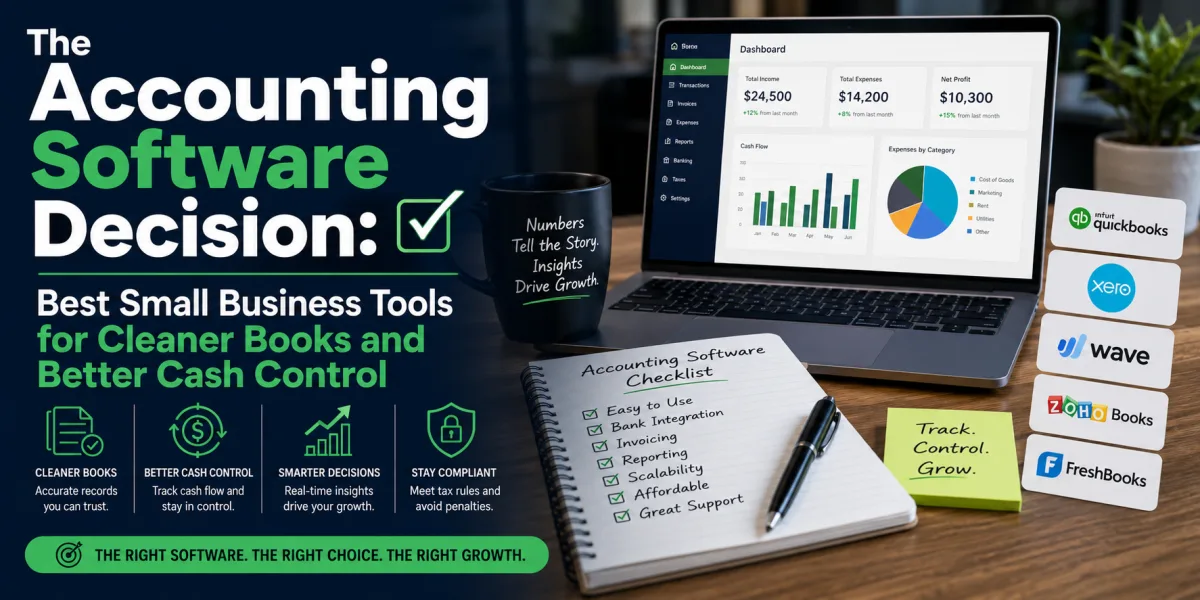
Strong options include QuickBooks Online, Xero, FreshBooks, Wave, Zoho Books, Sage, and Patriot. QuickBooks is often strong for businesses that want broad accountant support and a large ecosystem. Xero is appealing for cloud-first accounting and collaboration. FreshBooks is useful for service professionals who care about invoicing and time tracking. Wave can work for very small businesses that need basic accounting at low cost. Zoho Books is attractive for entrepreneurs already using Zoho’s broader software suite.
TechRadar’s 2026 accounting software review highlights tools such as Xero, QuickBooks, Sage Accounting, Zoho Books, Kashoo, and Wave for different small business use cases, reinforcing that the “best” tool depends on business type and accounting complexity.
The wrong accounting system can create expensive cleanup work later. The right one helps the business invoice faster, categorize expenses, prepare for taxes, review cash flow, and share cleaner data with a bookkeeper or accountant.
Entrepreneurs should choose accounting software early, connect a dedicated business bank account, separate personal and business spending, reconcile monthly, and review profit and loss reports regularly. The goal is not merely accurate records. The goal is financial control.
2. Customer Relationship Management Software
A CRM is the memory of the business. It tracks prospects, customers, conversations, deals, proposals, renewals, follow-ups, and relationship history. Without a CRM, entrepreneurs often manage customer relationships from inboxes, spreadsheets, notebooks, text messages, and memory. That works until the business starts growing.
A lead that is not followed up is lost revenue. A customer whose renewal is forgotten is avoidable churn. A conversation that is not documented becomes confusion. A business that cannot see its pipeline cannot forecast cash flow.
Strong CRM options include HubSpot, Salesforce, Zoho CRM, Pipedrive, Freshsales, Monday Sales CRM, Copper, Close, Streak, Nutshell, and Insightly. HubSpot is especially strong for entrepreneurs who want a free or low-cost starting point with marketing and sales features. Pipedrive is strong for visual sales pipeline management. Zoho CRM offers broad value, especially within the Zoho ecosystem. Salesforce is powerful for companies that expect serious scale and customization. Close is useful for outbound sales teams.
Zapier’s 2026 CRM review names Salesforce Sales Cloud for extensibility, HubSpot for versatility, Zoho CRM for all-in-one value, Pipedrive for ease of use, and Close for prospecting and outreach.
A CRM should not become a digital graveyard. It must be used daily. Every lead should have a source, status, owner, next step, and follow-up date. Every customer should have notes. Every deal should live in a pipeline. The value of a CRM comes from discipline, not software alone.
3. Project Management Software
Entrepreneurs lose time when work lives in too many places. Tasks sit in email. Notes sit in a notebook. Deadlines sit in someone’s memory. Files sit in a chat thread. The business feels busy, but no one can see the full picture.
Project management software creates a central place for work. It shows what needs to be done, who owns it, when it is due, what is blocked, and what has already been completed.
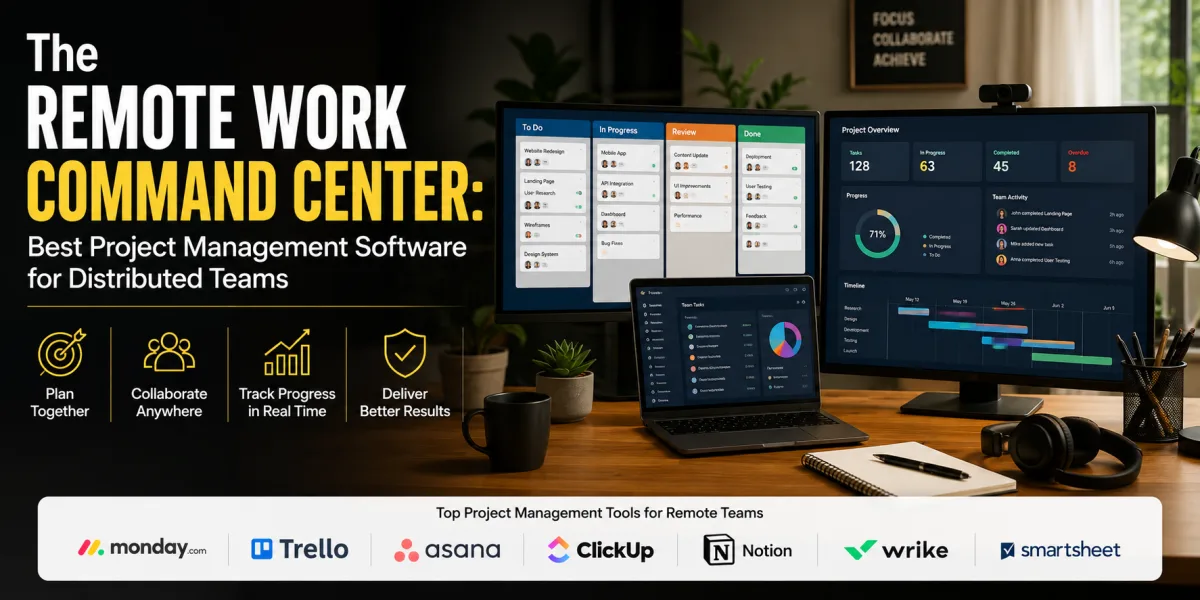
Strong options include Asana, Monday.com, ClickUp, Trello, Notion, Basecamp, Wrike, Smartsheet, Teamwork, Jira, Linear, Airtable, and Microsoft Planner. Asana is strong for structured cross-functional work. Monday.com is visual and flexible. ClickUp is highly customizable and broad. Trello is simple and easy to adopt. Notion combines documentation and project tracking. Jira and Linear are stronger for software teams. Teamwork is useful for agencies and client-service businesses.
The global project management software market is expanding because businesses increasingly need cloud-based coordination. Future Market Insights estimated the market at $9.60 billion in 2026 and projected it to reach $32.27 billion by 2036.
The key is not choosing the most powerful tool. The key is choosing the tool the team will actually update. A task without an owner is a wish. A deadline that is not visible is a risk. A project board that is ignored is decoration.
Entrepreneurs should start with simple rules: one task, one owner, one due date, one place for project discussion, one weekly review. The tool should make progress visible without creating administrative burden.
4. Payment Processing Software
A business is not truly operating until it can collect money reliably. Payment software allows entrepreneurs to accept cards, bank transfers, online payments, subscriptions, deposits, invoices, and ecommerce checkout payments.
Strong options include Stripe, PayPal, Square, Shopify Payments, Wise Business, Payoneer, Flutterwave, M-Pesa integrations, Razorpay, and local bank payment gateways depending on country and customer base.
The right payment processor depends on the business model. An ecommerce store may prioritize checkout conversion, fraud tools, sales tax support, and integration with Shopify or WooCommerce. A consultant may prioritize invoice payment links and bank transfers. A global freelancer may need multi-currency payments. A local business may need point-of-sale hardware. A subscription business may need recurring billing.
Payment processing should be evaluated by fees, settlement time, supported countries, customer trust, chargeback handling, currencies, integrations, reporting, fraud protection, and tax documentation. The cheapest fee is not always the best deal if payments fail, funds are delayed, or customers do not trust the checkout experience.
Entrepreneurs should also separate payment collection from accounting. Payment processors move money. Accounting software explains what the money means. The two should integrate cleanly.
5. Website Builder or Ecommerce Platform
Every entrepreneur needs a professional online home. For some businesses, that is a simple website. For others, it is a full ecommerce store, booking platform, portfolio, sales page, course platform, or customer portal.
Strong website and ecommerce options include WordPress, Wix, Squarespace, Shopify, Webflow, GoDaddy, Hostinger, WooCommerce, BigCommerce, Framer, and Kajabi for certain creator businesses.
Creative Bloq’s July 2026 review of small business website builders named Wix as its top recommendation for flexibility, ease of use, templates, AI features, and scalable pricing; it also highlighted Squarespace for creatives, Shopify for ecommerce, GoDaddy for speed, Weebly for beginners, Hostinger for AI-assisted building, and Bluehost for WordPress users.
The website decision should follow the business model. A local service provider may need credibility, contact forms, testimonials, service pages, and booking. A consultant may need thought leadership, case studies, and lead capture. An ecommerce seller needs product pages, checkout, inventory, abandoned cart recovery, shipping, analytics, and payment integration. A creator may need landing pages, email capture, and digital product delivery.
The website should not merely look attractive. It should explain the offer, build trust, capture leads, answer objections, and make purchase or inquiry easy.
6. Email Marketing Software
Email remains one of the most valuable tools for entrepreneurs because it creates a direct relationship with customers and prospects. Social media attention is rented. Email lists are closer to owned audience infrastructure.
Email marketing software helps entrepreneurs send newsletters, welcome sequences, promotions, customer education, abandoned cart messages, launch campaigns, renewal reminders, and segmented offers.
Strong options include Mailchimp, ConvertKit, Brevo, ActiveCampaign, Klaviyo, MailerLite, HubSpot Marketing Hub, Constant Contact, Beehiiv, and Substack depending on the business model. Klaviyo is especially strong for ecommerce. ConvertKit is popular with creators. ActiveCampaign is useful for automation-heavy businesses. Mailchimp and MailerLite can work well for beginners. HubSpot is strong when email marketing is tied to CRM.
Recent reporting on small business digital behavior cited Constant Contact research showing that social media has become a major discovery tool for consumers and that small businesses are increasingly using digital content and AI to save time in content creation and analysis. Email marketing fits into that broader shift because discovery must eventually turn into relationship.
Entrepreneurs should avoid blasting everyone with the same message. Segment by interest, purchase history, lead source, stage, and customer type. A strong email system sends the right message to the right person at the right time.
7. Social Media Scheduling and Content Management Software
Entrepreneurs often know they need content, but they underestimate the operational burden of creating it consistently. Social media tools help plan, schedule, repurpose, approve, and analyze content across platforms.
Strong options include Buffer, Hootsuite, Later, Sprout Social, Metricool, SocialBee, Canva Content Planner, Loomly, Planable, and HubSpot social tools. The right choice depends on number of channels, team size, approval needs, analytics depth, and budget.
A solo entrepreneur may need only a simple scheduler and content calendar. A growing brand may need approval workflows, campaign analytics, team permissions, social listening, inbox management, and reporting. An agency may need client workspaces and approval flows.
Social media software should not encourage posting without strategy. The tool should support a content system: audience, message, channel, cadence, creative assets, calls to action, and measurement.
Entrepreneurs should track what content creates leads, not only likes. Attention without conversion can become a distraction. A useful content tool helps identify which posts bring traffic, subscribers, inquiries, purchases, or conversations.
8. Design and Creative Software
Entrepreneurs need visual assets constantly: logos, social posts, presentations, proposals, ads, thumbnails, product images, lead magnets, pitch decks, website graphics, email headers, and digital product materials.
Design tools make professional presentation more accessible. Strong options include Canva, Adobe Express, Figma, Adobe Creative Cloud, Visme, VistaCreate, and Piktochart. Canva is especially useful for non-designers who need fast, polished assets. Figma is stronger for product design, interface work, and collaborative design systems. Adobe remains powerful for professional creative teams.
The value of design software is not only aesthetics. Good design improves trust. A poorly designed proposal, website, product page, or social campaign can make a serious business look careless. A clean brand presence can help a small company appear more credible.
Entrepreneurs should create brand templates early. Standard colors, fonts, logo use, presentation templates, social post templates, and proposal layouts save time and protect consistency. Without templates, every new asset becomes a fresh design problem.
Design tools should help the business communicate clearly, not just decorate content.
9. Communication Software
Entrepreneurial work depends on communication with customers, contractors, employees, suppliers, partners, and advisors. Communication tools include email, chat, video calls, voice notes, internal channels, customer messaging, and team announcements.
Strong options include Google Workspace, Microsoft 365, Slack, Microsoft Teams, Zoom, Google Meet, Loom, WhatsApp Business, Discord for certain communities, and Front for shared inboxes.
The right communication stack depends on the team. A solo entrepreneur may need Gmail, Google Calendar, Zoom, and WhatsApp Business. A remote team may need Slack or Teams, structured channels, video meetings, shared documents, and rules for when to use each medium. A customer-facing company may need a shared inbox or help desk rather than letting customer requests sit in one person’s email.
Communication software should reduce confusion. It should not create endless interruptions. Entrepreneurs should define communication norms: what belongs in email, what belongs in chat, what requires a meeting, what must be documented, and what response times are expected.
A business can drown in messages while still failing to communicate. The tool matters less than the rules around it.
10. Cloud Storage and Documentation Software
Every business needs a reliable place to store and organize documents. Contracts, invoices, brand assets, proposals, customer files, tax documents, standard operating procedures, product information, meeting notes, policies, templates, and research should not live randomly across personal laptops and email attachments.
Strong options include Google Drive, Dropbox, OneDrive, Box, Notion, Confluence, Coda, Slab, and SharePoint. Google Drive and OneDrive are natural choices for businesses using Google Workspace or Microsoft 365. Notion and Confluence are stronger for knowledge bases and internal documentation. Dropbox and Box remain useful for file-heavy collaboration.
Documentation is especially important as a business grows. If the founder is the only person who knows how everything works, the business is fragile. Written processes allow hiring, delegation, training, and quality control.
Entrepreneurs should document recurring work early: how to onboard a customer, issue an invoice, publish content, handle refunds, respond to inquiries, prepare monthly reports, manage passwords, and deliver the core service.
Cloud storage keeps files accessible. Documentation turns knowledge into an asset.
11. Analytics and Reporting Software
Entrepreneurs need data to understand what is working. Analytics tools help measure website traffic, conversion rates, customer behavior, marketing performance, sales trends, product usage, and financial results.
Strong options include Google Analytics, Google Search Console, Looker Studio, Microsoft Power BI, Tableau, Databox, Fathom Analytics, Plausible, Hotjar, Mixpanel, Amplitude, Shopify Analytics, HubSpot reporting, and platform-native dashboards.
The right analytics setup depends on the business model. A content business needs traffic, search queries, email subscribers, engagement, and conversion. An ecommerce business needs revenue, conversion rate, average order value, repeat purchase rate, cart abandonment, refund rate, and channel profitability. A service business needs lead source, close rate, proposal conversion, customer acquisition cost, and project profitability.
Entrepreneurs should not track everything. Too many metrics can create noise. Start with a small dashboard: revenue, cash, leads, conversion rate, customer acquisition source, website traffic, email growth, and the key operational metric that predicts future sales.
Analytics software is useful only when it changes decisions. A dashboard no one reviews is vanity infrastructure.
12. Automation Software
Automation software connects tools and moves information between them. It can create CRM leads from website forms, send email alerts when invoices are paid, add new customers to onboarding sequences, create project tasks after a sale, update spreadsheets, route support tickets, or notify a team when a high-value lead arrives.
Strong options include Zapier, Make, n8n, Microsoft Power Automate, IFTTT for simpler personal automations, Airtable automations, HubSpot workflows, Zoho Flow, and native automations inside tools such as Monday.com, Asana, and ClickUp.
Automation is powerful because entrepreneurs often waste time on repetitive administrative tasks. But automation should come after process clarity. Automating a messy process creates faster mess.
A good automation has a clear trigger, action, owner, and failure plan. For example: when a customer completes a payment, create a project folder, add the client to the CRM, send a welcome email, generate an onboarding task, and notify the delivery team. That saves time because the workflow is predictable.
Entrepreneurs should begin with low-risk automations: lead capture, task creation, invoice reminders, calendar scheduling, customer onboarding, and reporting alerts. High-stakes automations involving money, legal documents, health information, or sensitive customer data should be tested carefully.
13. Scheduling and Calendar Software
Scheduling is a hidden time drain. Entrepreneurs lose hours coordinating meetings through back-and-forth messages. Scheduling software lets customers, prospects, contractors, or team members book available times based on rules.
Strong options include Calendly, Cal.com, SavvyCal, Acuity Scheduling, Google Calendar appointment schedules, Microsoft Bookings, TidyCal, and HubSpot Meetings.
Scheduling tools are especially useful for consultants, coaches, sales calls, discovery sessions, interviews, service appointments, demos, and customer onboarding. They reduce friction and make the business look organized.
The best scheduling setup includes meeting types, buffers, working hours, time-zone handling, intake questions, confirmation emails, reminders, cancellation rules, and calendar integration. For paid sessions, the tool should connect to payment processing.
Entrepreneurs should avoid letting scheduling software make them too available. Open calendars can destroy focus. Use booking windows, buffers, and limits. A scheduling tool should protect time, not expose every hour to the world.
14. Cybersecurity and Password Management Software
Small businesses often underestimate cybersecurity because they assume attackers only target large companies. That is dangerous. Entrepreneurs handle customer data, payment information, passwords, contracts, financial records, employee files, and intellectual property. A weak password or compromised email account can create serious damage.
Every entrepreneur should use a password manager and multi-factor authentication. Strong options include 1Password, Bitwarden, Dashlane, Keeper, LastPass, NordPass, Google Password Manager for basic use, and Microsoft Authenticator or Google Authenticator for two-factor authentication.
A password manager allows the business to create strong unique passwords without memorizing them. It also helps share access with team members or contractors more safely than sending passwords through chat or email.
Security software should also include device protection, secure cloud storage, role-based access, backup practices, and offboarding procedures. When a contractor leaves, their access should be removed. When an employee changes roles, permissions should be updated. When a tool is no longer used, accounts should be closed.
Security is not glamorous, but it protects the business’s ability to operate.
15. AI Productivity Software
AI tools are becoming part of the entrepreneur’s software stack because they can speed up writing, research, brainstorming, data analysis, customer response drafting, content repurposing, meeting summaries, coding support, image generation, and workflow design.
Strong options include ChatGPT, Claude, Gemini, Microsoft Copilot, Perplexity, Notion AI, Grammarly, Canva AI, Descript, Fireflies, Otter, Zapier AI, and AI features inside existing tools such as HubSpot, Salesforce, Asana, Monday.com, and Shopify.
Small businesses are adopting AI quickly. A recent report citing Constant Contact research said U.S. small business AI adoption rose from 26% in 2023 to 87% by April 2026, with AI used heavily for content creation and data analysis. IDC also wrote that in 2026 small and medium-sized businesses are moving from technology experimentation to strategic adoption, with AI, generative AI, and cloud technologies central to pragmatic use cases that deliver measurable ROI.
AI can help entrepreneurs move faster, but it should not replace judgment. Do not paste confidential customer data, legal documents, financial records, or sensitive business information into tools unless the privacy and security terms are appropriate. Do not publish AI-generated content without review. Do not rely on AI for facts without verification. Do not let AI make the business sound generic.
The best AI use cases are practical: draft first versions, summarize calls, create checklists, organize research, generate content variations, explain data, create customer response templates, and automate repetitive thinking. AI should increase the owner’s leverage, not reduce the owner’s standards.
The Tool Stack by Entrepreneur Type
A freelancer may need accounting software, invoicing, a simple CRM, scheduling, cloud storage, design software, email marketing, password management, and AI writing support. They do not need a complex enterprise stack.
A service business may need CRM, project management, proposals, scheduling, payments, accounting, email marketing, cloud storage, documentation, and customer support tools.
An ecommerce entrepreneur may need Shopify or WooCommerce, payment processing, accounting, inventory management, email marketing, analytics, customer support, social scheduling, design software, and automation.
A digital agency may need project management, time tracking, CRM, proposals, file storage, design tools, client portals, accounting, reporting dashboards, and communication software.
A startup may need product analytics, project management, documentation, CRM, investor relationship tracking, customer support, cloud storage, password management, AI tools, and software development tools.
The best stack depends on the business model. Tools should serve revenue, delivery, customer experience, financial control, or risk reduction. Everything else is optional.
How to Avoid Subscription Waste
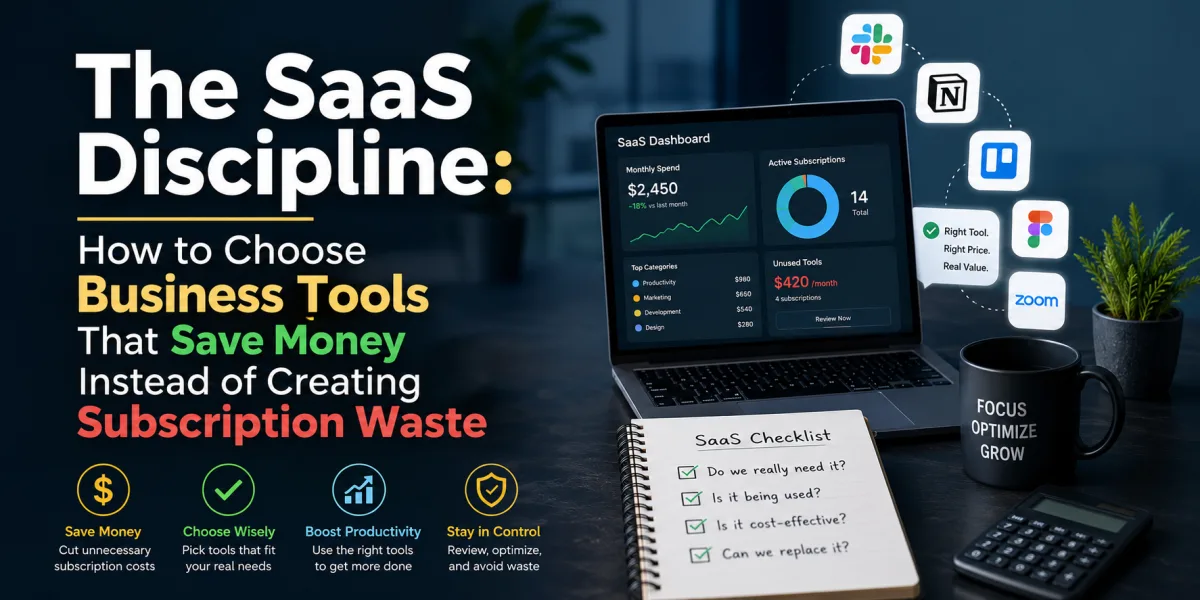
Entrepreneurs should manage software like an investment portfolio. Every tool should have a purpose, owner, cost, renewal date, and measurable reason for existing.
Create a software inventory. List each tool, monthly cost, annual cost, number of users, purpose, owner, renewal date, and whether it is essential. Review the list quarterly.
Cancel duplicate tools. If the CRM includes email marketing, ask whether a separate email platform is still needed. If the project management tool includes forms, ask whether a separate form tool is necessary. If the accounting software includes invoicing, ask whether another invoice tool is still useful.
Watch pricing tiers. SaaS pricing can become complex as businesses add users, usage, AI credits, automations, integrations, and advanced features. Academic research on SaaS pricing notes that SaaS pricing structures increase variability and complexity because pricing depends on subscriptions, usage, tiers, and business factors.
Do not pay annually for tools until you are confident the business will use them. Annual plans may save money, but they can lock entrepreneurs into tools that no longer fit.
The rule is simple: every tool must earn its place.
How to Build the Stack in the Right Order
Entrepreneurs should not buy all 15 tools at once. That creates cost and confusion.
Start with finance and payments. The business must be able to collect money, issue invoices, track expenses, and understand cash. Next, add customer relationship management. Leads and customers need a reliable home. Then add project management and communication. Work must become visible. Then add website, email marketing, and analytics. Demand generation must become measurable. Then add automation, documentation, security, design, scheduling, and AI tools as needed.
This order prevents a common mistake: buying growth tools before the business can manage customers, delivery, and cash flow. Marketing software is less useful if leads are not followed up. Automation is less useful if the workflow is unclear. Analytics is less useful if nobody acts on the data.
Build the foundation first. Add leverage second.
The Bigger Lesson
Software tools can help entrepreneurs compete above their weight. They can turn a small team into a serious operation by improving financial control, customer follow-up, project execution, content creation, marketing, payments, analytics, security, and automation.
But tools are not strategy. A business does not become stronger simply because it has more subscriptions. It becomes stronger when the right tools support the right workflows.
The 15 essential categories are accounting, CRM, project management, payment processing, website or ecommerce, email marketing, social media management, design, communication, cloud storage and documentation, analytics, automation, scheduling, cybersecurity, and AI productivity.
Within each category, the best tool depends on the business model, budget, team size, country, customer base, integrations, and growth plans. QuickBooks may be right for one entrepreneur; Xero or Zoho Books may be better for another. HubSpot may be the right CRM for a marketing-led business; Pipedrive may be better for a sales-focused team. Shopify may be ideal for ecommerce; WordPress may be better for content-heavy businesses. Asana may fit structured teams; Trello may be enough for simple workflows.
The entrepreneur’s job is not to chase tools. The entrepreneur’s job is to design a business system.
Choose software that helps the business earn, deliver, collect, measure, protect, and improve. Cancel tools that only create noise. Review subscriptions regularly. Keep the stack lean. Train people to use the tools properly. Document the processes. Make sure every platform has a role.
The right software stack does not make entrepreneurship easy. It makes the work visible, repeatable, and scalable.
That is the real advantage.
 Article
 Article
 Article
 Article
 Article
 Article
 Article
 Article