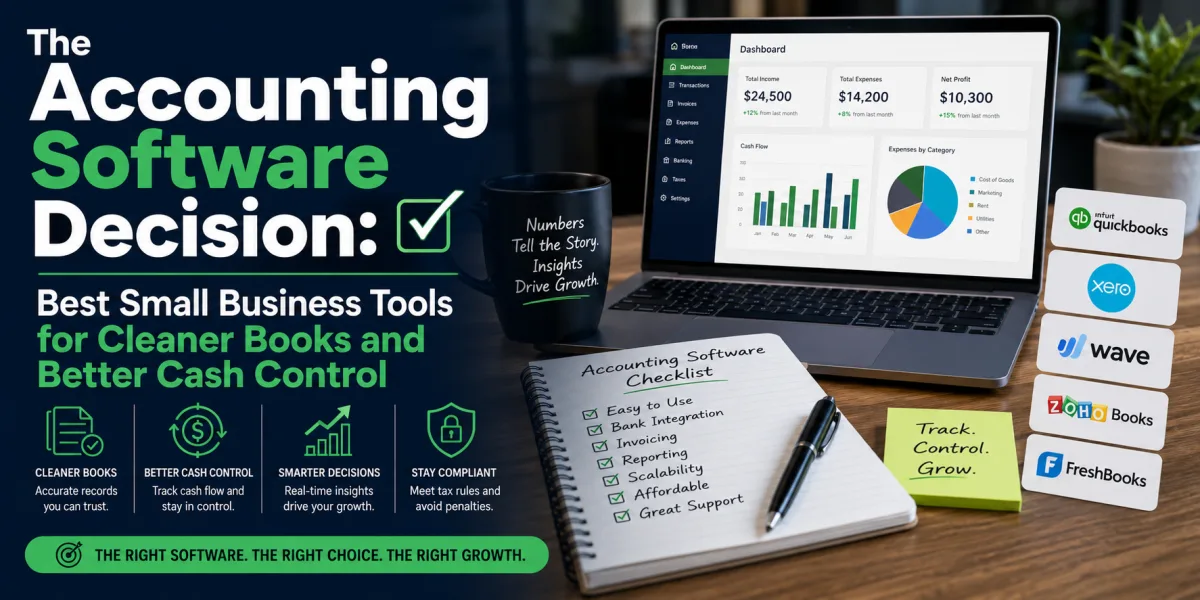
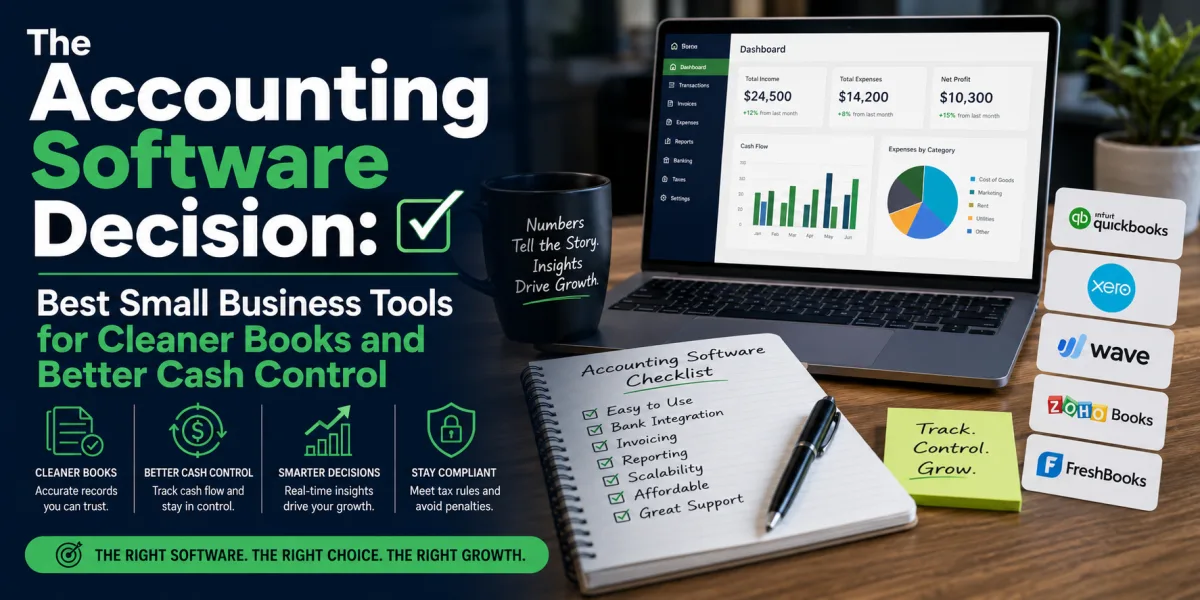
The Accounting Software Decision: Best Small Business Tools for Cleaner Books and Better Cash Control
Accounting software is not just a place to record numbers. For a small business, it is the financial control room.
The right platform shows whether customers are paying on time, expenses are rising too quickly, inventory is moving, cash is tightening, tax obligations are building, invoices are overdue, and profit is real or only assumed. The wrong platform creates confusion. It hides problems until tax season, makes bookkeeping feel harder than it should, and leaves the owner managing the business from bank balance anxiety rather than financial clarity.
Many small business owners choose accounting software too casually. They pick the cheapest option, the most famous brand, the tool a friend uses, or the platform with the most attractive introductory discount. That may work for a simple side business, but it can become costly as the business grows. Switching systems later can be messy because invoices, bank feeds, customer records, payroll data, chart of accounts, tax reports, inventory, and historical transactions are not always simple to migrate.
The best accounting software is not the same for every business. A freelance designer who sends five invoices per month does not need the same system as a retail store with inventory, payroll, sales tax, and multiple employees. A consultant with recurring retainers has different needs from a contractor tracking job costs. An ecommerce seller needs better sales-channel integration than a private tutor. A nonprofit needs fund tracking. A growing company may need user permissions, approval workflows, and accountant collaboration.
The real question is not, “What is the best accounting software?” The better question is, “Which accounting software fits the way this business earns, spends, reports, and grows?”
Several platforms dominate the small business accounting conversation. QuickBooks Online remains one of the most widely used options, especially in markets where accountants and bookkeepers frequently support it. Xero is strong for cloud accounting, collaboration, and businesses that value clean design and integrations. FreshBooks is popular with service businesses, freelancers, and project-based professionals who care about invoicing and time tracking. Wave is attractive to very small businesses because it offers useful free and low-cost accounting features, with paid services layered on top. Zoho Books is a strong value option, especially for businesses already using Zoho’s broader software ecosystem. Sage serves businesses that want established accounting tools and, in some markets, stronger traditional accounting depth. Patriot offers simple, transparent pricing for U.S. small businesses. TechRadar’s 2026 accounting software review also highlights options such as Xero, QuickBooks, Sage Accounting, Zoho Books, Kashoo, and Wave across different use cases, reinforcing the point that “best” depends on business need rather than brand alone.
This article explains the best accounting software for small businesses, but more importantly, it explains how to choose. Software should not merely make bookkeeping prettier. It should help the owner make better financial decisions.
Why Accounting Software Matters More Than Most Owners Realize
A small business can survive for a while with messy books. It may even grow revenue. But financial disorder eventually becomes expensive.
The first cost is cash confusion. The bank balance may look healthy because customers just paid, but payroll, rent, tax, supplier bills, loan payments, and annual subscriptions may be coming due. Without accounting reports, the owner may mistake temporary cash for profit.
The second cost is tax stress. When expenses are not categorized, receipts are missing, invoices are incomplete, and sales tax or VAT obligations are unclear, tax season becomes a scramble. The owner pays in time, accountant fees, penalties, or missed deductions.
The third cost is poor decision-making. Without reliable profit and loss reports, the owner may not know which products, services, clients, locations, or projects are actually profitable. Revenue can grow while margin declines.
The fourth cost is financing weakness. Lenders, investors, landlords, and grant providers often require financial statements. A business with organized books can answer quickly. A business with messy records may lose opportunities because it cannot prove performance.
The fifth cost is owner fatigue. Manual bookkeeping drains mental energy. A business owner who spends evenings sorting receipts, chasing invoices, and reconciling transactions has less energy for sales, service, strategy, and rest.
Accounting software reduces these costs when it is used consistently. It connects bank feeds, records income and expenses, creates invoices, tracks bills, organizes customers and vendors, produces reports, and gives accountants access to cleaner data.
But software is only a system. It still needs discipline. A tool cannot fix a business owner who never reviews reports, never reconciles accounts, never sends invoices on time, or never separates business and personal spending. The platform matters, but habits matter too.
What Small Businesses Should Look For
Before comparing brands, define the business requirements.
The first requirement is invoicing. Does the business send invoices? Are invoices one-time, recurring, milestone-based, or project-based? Does it need payment reminders, online payment links, deposits, retainers, or estimates that convert into invoices?
The second requirement is expense tracking. Does the business need bank feeds, receipt capture, mileage tracking, vendor bills, purchase orders, or approval workflows? A simple business may only need basic categorization. A growing company may need stronger controls.
The third requirement is reporting. At minimum, most businesses need profit and loss, balance sheet, cash flow, accounts receivable, accounts payable, tax reports, and customer or product profitability. If a platform cannot produce reports the owner understands, it may not improve decision-making.
The fourth requirement is tax handling. Depending on location, the business may need sales tax, VAT, GST, 1099 support, Making Tax Digital compatibility, payroll tax, or other compliance features. Tax rules change by country, so official local compatibility matters.
The fifth requirement is payroll. Some platforms include payroll in certain markets. Others integrate with payroll providers. Payroll is too important to handle casually because mistakes affect employees, taxes, and legal obligations.
The sixth requirement is inventory. Retailers, wholesalers, restaurants, and ecommerce sellers may need stock tracking, cost of goods sold, purchase orders, and inventory valuation. Many accounting tools offer only limited inventory unless the business buys higher-tier plans or integrates with specialist systems.
The seventh requirement is integrations. Does the software connect with banks, payment processors, ecommerce platforms, point-of-sale systems, CRM tools, payroll, project management, expense cards, and tax filing systems? Accounting software is strongest when it becomes the financial hub rather than a separate data island.
The eighth requirement is accountant access. A tool your accountant dislikes may become expensive during year-end work. The best small business accounting platform is often the one your bookkeeper can use efficiently.
The ninth requirement is scalability. A free or low-cost tool may work at the start, but what happens when the business adds employees, inventory, multiple users, locations, currencies, departments, or approval controls?
The final requirement is usability. The owner should not need an accounting degree to send invoices, review cash flow, or understand reports. Complexity that goes unused is not value.
1. QuickBooks Online
QuickBooks Online is often the default accounting software for small businesses, especially in markets where accountants, bookkeepers, and tax preparers commonly use it. Its strength is breadth. It can handle invoicing, expenses, bank feeds, reporting, sales tax, bills, projects, payroll integrations, inventory on higher plans, accountant access, and a large ecosystem of third-party apps.
QuickBooks is especially strong for businesses that want a mainstream platform with broad professional support. If a business expects to hire a bookkeeper, work with a CPA, apply for financing, add payroll, or expand beyond basic bookkeeping, QuickBooks often feels like a safe choice. Its ecosystem is one of its biggest advantages.
Pricing varies by country and promotion. Intuit’s global QuickBooks pricing page lists plans such as Simple Start, Essentials, and higher tiers, with promotional discounts frequently offered for new customers. Because discounts change, small businesses should compare the regular monthly price after the introductory period, not only the first-month offer.
QuickBooks is best for small businesses that want a comprehensive accounting system with strong accountant familiarity. It is well suited for service businesses, consultants, contractors, agencies, retailers, and growing small companies that need more than basic invoicing.
The downside is cost and complexity. QuickBooks can become expensive as the business adds users, payroll, payments, time tracking, or advanced features. Some owners also find it less intuitive than simpler tools. A microbusiness that only sends a few invoices may not need all of its capabilities.
The strongest use case for QuickBooks is a business that wants to grow into a more complete finance operation. The weakest use case is a tiny business choosing it only because it is famous, then using only ten percent of the features while paying for more than it needs.
2. Xero
Xero is a cloud accounting platform known for clean design, collaboration, bank reconciliation, integrations, and strong international presence. It is popular with small businesses that want modern cloud accounting and with accountants who serve multiple clients digitally.
Xero works well for businesses that value collaboration because users and advisors can work in the same cloud-based books. It offers invoicing, bank reconciliation, bills, reporting, expense tools, project features on certain plans, and many integrations. It is often praised for usability and ecosystem flexibility.
Xero pricing varies by region. Xero’s UK pricing page lists plan tiers such as Ignite, Grow, Comprehensive, and Ultimate, while Xero has announced UK price changes taking effect from September 1, 2026 for several plans. This is a useful reminder that subscription costs can rise. Owners should review current local pricing and renewal terms before committing.
Xero is best for businesses that want cloud-first accounting, strong integrations, and accountant collaboration. It can be a good fit for service businesses, agencies, ecommerce sellers using integrations, and growing companies that want better reporting than a basic invoicing tool.
The downside is that some advanced features require higher-tier plans or add-ons. Businesses with complex inventory, payroll, or industry-specific needs should test workflows before committing. In some regions, QuickBooks may have broader accountant familiarity, while in others, Xero may be highly preferred.
The decision between QuickBooks and Xero often comes down to accountant preference, local market support, integrations, and owner comfort. Both can serve serious small businesses. The better choice is the one that fits the business’s workflow and advisory team.
3. FreshBooks
FreshBooks is especially strong for freelancers, consultants, agencies, and service businesses that care about invoicing, time tracking, projects, client communication, and simple expense management. It began with a strong invoicing identity and remains appealing to people who want financial tools without feeling buried in traditional accounting language.
FreshBooks can be useful for designers, writers, coaches, consultants, marketing specialists, developers, photographers, contractors, and small professional service firms. Its invoicing and client-facing features are often more central to the experience than complex back-office accounting.
FreshBooks pricing varies by region and plan. Its pricing page lists tiered plans, with higher levels designed for businesses that need more clients, features, and users. Owners should check whether client limits, team members, payment fees, and advanced features fit their expected use.
FreshBooks is best for service businesses that bill clients for time, projects, retainers, or recurring work. It is also appealing to owners who want simple, polished invoicing and do not need deep inventory or complex accounting controls.
The downside is that product-based businesses, inventory-heavy companies, and businesses needing advanced accounting depth may outgrow it faster than they would outgrow QuickBooks or Xero. FreshBooks can support many small businesses well, but it is not always the best fit for companies with complicated back-office needs.
The right FreshBooks user is usually someone who earns by selling expertise or services, not someone managing a warehouse.
4. Wave
Wave is attractive because it offers accounting and invoicing tools that can work for very small businesses, freelancers, and side businesses with limited budgets. Its biggest advantage is accessibility. For a new business that needs to send invoices, track income and expenses, and avoid spreadsheet chaos, Wave can be a practical starting point.
Wave’s pricing page says users can create unlimited estimates, invoices, bills, and bookkeeping records, with online payment processing available at transaction-based rates, while its Pro Plan is listed at an annual price. Wave also positions itself as a unified system for accounting, invoicing, payments, and financial clarity.
Wave is best for freelancers, solopreneurs, very small service businesses, and early-stage owners who need basic financial organization without committing to a higher monthly subscription. It can be especially useful for businesses that are still validating demand and do not yet have payroll, inventory, or complex reporting needs.
The downside is scalability. Free or low-cost tools often become limiting as a business grows. A company with multiple users, inventory, advanced reporting, accountant workflows, payroll complexity, or high transaction volume may eventually need a more robust platform.
Wave should be viewed as a strong starter option, not necessarily a lifetime accounting system. It is a good choice when simplicity and cost matter most. It is less ideal when the business already has complexity.
5. Zoho Books
Zoho Books is one of the strongest value-oriented accounting platforms for small businesses, especially those already using Zoho’s broader suite of business applications. It offers invoicing, expense tracking, bills, bank feeds, reporting, automation, project features, inventory on higher plans, and integrations with other Zoho tools.
Zoho Books is attractive because it combines affordability with depth. Its pricing page lists a Free Plan with annual expense limits and tiered paid plans with higher bill and expense limits, including Standard, Professional, Premium, Elite, and Ultimate levels. TechRadar’s Zoho Books review describes it as scalable, user-friendly, mobile-ready, and strong in automation and integrations, particularly for freelancers, sole proprietors, and small businesses.
Zoho Books is best for small businesses that want automation and broad functionality without paying premium prices from the start. It can be a good fit for freelancers, service businesses, online sellers, agencies, and growing companies already using Zoho CRM, Zoho Inventory, Zoho Projects, or Zoho People.
The downside is that businesses deeply embedded in accountant ecosystems dominated by QuickBooks or Xero may need to confirm whether their bookkeeper supports Zoho comfortably. Zoho can be powerful, but the surrounding professional ecosystem may vary by country and industry.
Zoho Books is especially compelling for owners who want one connected business software environment. If accounting is only one part of a broader operating system, Zoho deserves serious consideration.
6. Sage Accounting and Sage 50
Sage is a long-established name in business accounting, with different products serving different markets and business sizes. Sage Accounting can suit small businesses that want cloud accounting features, invoicing, expenses, bank feeds, and reporting. Sage 50, depending on region, can serve businesses that prefer more traditional desktop-plus-cloud accounting depth.
Sage can be particularly relevant for businesses with accountants already using Sage, companies that need established accounting workflows, and owners who prefer a more traditional accounting feel. It may also appeal in regions where Sage has strong local tax, payroll, or accountant support.
Sage pricing varies significantly by product and country. Sage’s U.S. Sage 50 page lists pricing starting at $124.42 per month for Pro Accounting, with Premium and Quantum tiers priced higher. Sage’s Kenya pricing page for Sage Business Cloud Accounting lists Accounting Start from USD12.33 and Accounting Standard from USD23.67 including VAT per month, showing how regional pricing and product packaging can differ materially.
Sage is best for businesses that want established accounting tools, may need stronger traditional accounting structure, or operate in markets where Sage support is common. It can work for small and medium-sized businesses that expect more complexity than a simple freelancer tool can handle.
The downside is that some Sage products may feel more expensive or less modern than cloud-first competitors, depending on the version. Small businesses should be careful to compare the specific Sage product available in their country, not just the Sage brand.
Sage is not one single decision. It is a product-family decision.
7. Patriot Accounting
Patriot Accounting is designed for small U.S. businesses that want straightforward accounting without heavy complexity. It is often discussed alongside Patriot Payroll, which can make it attractive for owners who want accounting and payroll support from the same provider.
Patriot’s accounting pricing is simple compared with many competitors. Its small business accounting comparison page lists Accounting Basic at $20 per month and Accounting Premium at $30 per month, with promotional discounts available for new users.
Patriot is best for U.S.-based small businesses that need simple bookkeeping, invoicing, expense tracking, bank imports, reconciliation, and reports without paying for a larger platform. It may fit owners who value transparent pricing and do not need a large app marketplace.
The downside is that Patriot may not offer the same global ecosystem, integrations, or advanced features as QuickBooks, Xero, or Zoho. Businesses outside the U.S. should be cautious because the platform’s strongest fit is U.S. small business accounting and payroll context.
Patriot is a good example of why “best” depends on scope. A small U.S. business that wants simplicity may prefer Patriot over a more famous platform. A business with international sales, inventory complexity, or multiple app integrations may need something broader.
8. Kashoo and Other Simple Accounting Tools
Some small businesses do not need a feature-heavy system. They need a clean, simple way to record income, expenses, invoices, and reports. Tools such as Kashoo and other lightweight platforms can serve this segment.
TechRadar’s 2026 accounting software guide identifies Kashoo as a user-friendly option for hassle-free, simplified accounting and also lists several free or low-cost tools for startups and budget-conscious users.
Simple tools are best for owners who feel overwhelmed by larger platforms and have uncomplicated finances. A small tutoring business, solo consultant, part-time creative, or early side business may need only basic bookkeeping and tax-ready reports.
The risk is outgrowing the tool. If the business adds payroll, inventory, multiple users, ecommerce integrations, advanced tax needs, or accountant-led reporting, a lightweight tool may become limiting.
Simple software is valuable when it improves consistency. The best accounting platform is not the one with the most features. It is the one the owner actually uses correctly.
9. Free and Open-Source Accounting Tools
Some businesses consider free and open-source tools such as GnuCash or other desktop accounting programs. These can be useful for technically comfortable users, very small businesses, nonprofits, or owners who want control without subscription fees.
The advantage is cost. The disadvantage is support, usability, integrations, cloud access, accountant familiarity, and workflow automation. A free desktop tool may record transactions well, but it may not connect easily to banks, payment processors, payroll, ecommerce platforms, or accountants.
Free tools are best for owners with very simple needs or strong technical confidence. They are less ideal for business owners who want mobile access, automated bank feeds, receipt capture, easy collaboration, and professional support.
The hidden cost of free software is time. If the owner saves $30 per month but spends five extra hours on manual work, the software may not be truly cheap.
Best Accounting Software by Business Type
For freelancers and solo service providers, FreshBooks, Wave, Zoho Books, QuickBooks Simple Start, and Xero entry-level plans are often the most relevant. The decision should depend on invoicing volume, client limits, payment needs, expense tracking, and whether the owner expects to hire help.
For consultants and agencies, FreshBooks, QuickBooks Online, Xero, and Zoho Books are strong candidates. Project tracking, retainers, time tracking, recurring invoices, and client profitability matter.
For ecommerce businesses, QuickBooks Online, Xero, and Zoho Books often deserve closer review because integrations, sales tax, inventory, payment processing, and channel reconciliation become important. The owner should test connections with Shopify, Amazon, WooCommerce, Stripe, PayPal, Square, or other sales channels.
For retail and inventory businesses, QuickBooks Online, Xero with integrations, Zoho Books with inventory features, Sage, or specialist inventory systems may be needed. Basic invoicing tools can fail when stock and cost of goods sold become central.
For contractors and trades, QuickBooks Online, Sage, Xero, and certain job-costing-friendly platforms may fit. Estimates, job costing, purchase orders, subcontractor tracking, mileage, and project profitability matter more than polished invoices alone.
For nonprofits, the decision is more specialized. Fund accounting, donor tracking, grant reporting, restricted funds, and board reporting may require nonprofit-specific tools or careful setup in mainstream software.
For startups and early side businesses, Wave, Zoho Books Free, or low-tier QuickBooks, Xero, FreshBooks, or Patriot plans may be enough. The priority is separating business finances, sending invoices, tracking expenses, and producing tax-ready reports.
Cloud Accounting Versus Desktop Accounting
Most modern small businesses should consider cloud accounting first. Cloud tools allow owners, bookkeepers, and accountants to access the same data from different locations. They usually support bank feeds, mobile apps, payment integrations, automatic updates, and easier collaboration.
Desktop accounting can still make sense for certain businesses that need local control, specific legacy workflows, advanced desktop features, or poor internet environments. But desktop systems can create collaboration problems if files must be sent back and forth. They also require attention to backups, updates, and device security.
The direction of the market is clearly cloud-based. Small businesses increasingly expect financial data to be accessible in real time. A business owner should not wait until tax season to know whether the company is profitable.
Cloud accounting is not perfect. Subscription costs can rise. Data security depends on provider controls and user habits. Internet access matters. But for most small businesses, the convenience and collaboration advantages are substantial.
The Accountant Test
Before choosing software, ask your accountant or bookkeeper one question: “Which platforms do you support well?”
This matters because software choice affects professional fees. If your accountant knows QuickBooks deeply but rarely uses Zoho Books, year-end work may take longer. If your bookkeeper specializes in Xero, choosing Xero may save time. If your local tax environment is better supported by Sage, that may influence the decision.
The accountant test should not be the only factor, but it is important. A small business does not only buy software. It buys a workflow involving the owner, bookkeeper, accountant, payroll provider, tax authority, bank, and sometimes lenders.
A platform with strong accountant support can reduce cleanup costs, reporting errors, and tax season stress. If you are choosing between two similar tools, choose the one your advisor can support efficiently.
The Payroll Question
Payroll changes the accounting software decision. Once a business has employees, financial administration becomes more serious. Payroll involves wages, taxes, benefits, deductions, filings, deadlines, employee records, and legal compliance.
Some accounting platforms offer payroll in certain countries. Others integrate with third-party payroll providers. Some have no payroll support in a given region. A business owner should verify local payroll availability before choosing software.
Do not assume that because a platform offers payroll in the United States, it offers the same support in Kenya, Canada, the United Kingdom, Australia, India, South Africa, or the European Union. Payroll is local.
If payroll is already part of the business or likely within the next year, choose accounting software that will not create extra reconciliation work. Payroll should flow cleanly into the general ledger.
The Inventory Question
Inventory is another major dividing line. Many accounting tools can track simple products, but inventory-heavy businesses may need more.
A retailer, wholesaler, ecommerce seller, manufacturer, or food business may need stock levels, purchase orders, supplier management, cost of goods sold, landed costs, bundles, variants, warehouse tracking, and integration with point-of-sale or ecommerce systems.
If inventory is central to the business, do not choose accounting software based only on invoicing and bank feeds. Test the inventory workflow. Can the system track stock accurately? Can it handle returns? Can it integrate with sales channels? Can it report gross margin by product? Can it support growth?
Many businesses eventually use accounting software plus a dedicated inventory tool. That can work well if the integration is reliable. It can create chaos if sales and stock data do not reconcile.
The Real Cost of Accounting Software
The monthly subscription is only one part of cost.
The real cost includes add-on users, payroll fees, payment processing fees, receipt capture, time tracking, inventory modules, project features, premium support, app integrations, data migration, bookkeeping setup, accountant cleanup, training, and plan upgrades.
Wave may look cheap, but payment processing and paid features can add cost. QuickBooks or Xero may begin with promotional discounts, then renew at higher rates. Sage may have very different pricing depending on country and product. Zoho may be affordable, but the business may pay for other Zoho apps. FreshBooks may become more expensive if client limits or team members require higher plans.
The smartest approach is to calculate the 12-month and 24-month cost, not the first-month cost. Include all expected add-ons. Then compare that cost with the value of saved time, cleaner reporting, easier tax preparation, faster invoicing, fewer errors, and better decisions.
Cheap software is expensive if it produces messy books. Expensive software is wasteful if the business does not need the features.
How to Choose the Right Platform
Start with the business model. Service business, ecommerce, retail, contracting, nonprofit, consulting, freelancing, and professional services all have different needs.
Then define must-have features. Do not create a long wish list. Identify the five features that matter most: invoicing, recurring billing, inventory, payroll, bank feeds, accountant access, project tracking, multi-currency, sales tax, reporting, or integrations.
Next, ask your accountant. Eliminate tools your advisor cannot support unless you have a strong reason to choose them.
Then test the workflow. Use a free trial if available. Send a test invoice. Connect a bank feed if possible. Categorize expenses. Run a profit and loss report. Add a customer. Record a bill. Invite a user. Check mobile receipt capture. Review sales tax setup.
Finally, choose for the next two years, not only today. A business should not overbuy, but it should avoid choosing software it will outgrow immediately.
A Practical Recommendation
For most growing small businesses that want broad accountant support, QuickBooks Online is a strong default choice.
For cloud-first businesses that value integrations, collaboration, and clean workflows, Xero is an excellent alternative.
For freelancers and service professionals who care most about invoicing, time tracking, and client billing, FreshBooks is often a strong fit.
For very small businesses and budget-conscious startups, Wave can be a practical starting point.
For owners who want affordability, automation, and integration with a broader business software suite, Zoho Books deserves serious consideration.
For businesses in markets where Sage is strongly supported or where traditional accounting depth matters, Sage may be the better fit.
For U.S. small businesses that want simple pricing and basic accounting with payroll alignment, Patriot can be a sensible option.
The best choice is the one that matches the owner’s workflow, accountant support, tax environment, and growth path.
Common Mistakes to Avoid
The first mistake is choosing software only by price. A low monthly fee can hide poor reporting, weak support, and future migration costs.
The second mistake is ignoring accountant compatibility. If your accountant cannot work efficiently in the system, your savings may disappear during tax preparation.
The third mistake is failing to separate business and personal finances. Accounting software cannot solve mixed bank accounts without cleanup work.
The fourth mistake is choosing too much complexity too early. A solo freelancer may not need enterprise-level features.
The fifth mistake is choosing too little capacity for a growing business. A product-based company should not rely on a tool with weak inventory if stock control matters.
The sixth mistake is not reviewing reports. Software only creates value when the owner uses the information.
The seventh mistake is delaying setup. The best time to create clean books is before the business becomes complicated.
The Bigger Lesson
Accounting software is one of the most important financial decisions a small business owner makes. It affects invoicing, tax preparation, cash flow, profitability, payroll, reporting, financing, and daily decision-making.
QuickBooks, Xero, FreshBooks, Wave, Zoho Books, Sage, Patriot, and other platforms can all be good choices in the right context. None is perfect for everyone. The right software depends on how the business earns money, how it spends money, how complex its operations are, which country it operates in, what tax rules apply, and who will maintain the books.
The owner should not choose accounting software as if buying an app. They should choose it as if designing a financial operating system.
Start with the business model. Define the must-have features. Confirm accountant support. Compare the real two-year cost. Test the workflow. Choose a platform that supports clean records, timely invoicing, accurate taxes, and useful reports.
The best accounting software does not merely record the past. It helps the owner see the business clearly enough to make better decisions about the future.
That clarity is worth paying for.
 Article
 Article
 Article
 Article
 Article
 Article
 Article
 Article