Introduction
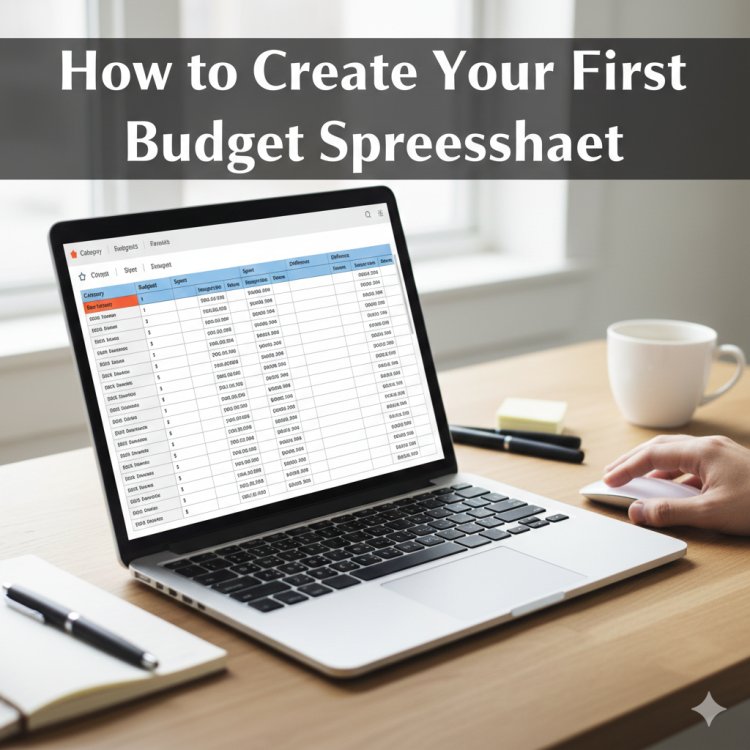
Creating a budget spreadsheet is one of the most practical and empowering steps anyone can take toward financial stability and long-term success. Whether you are a student managing limited funds, a professional balancing multiple income streams, a family planning household expenses, or an entrepreneur tracking business finances, a budget spreadsheet gives you clarity, control, and confidence.
Many people assume budgeting is complicated or restrictive, but in reality, it is simply a structured way of understanding where your money comes from and where it goes. A budget spreadsheet transforms abstract numbers into visible patterns, helping you make informed decisions rather than emotional ones.
This guide walks you through how to create your first budget spreadsheet from scratch. You will learn the purpose of budgeting, the essential components of a spreadsheet, how to structure it effectively, and how to maintain it over time. No advanced financial knowledge is required, and the principles apply universally across countries, professions, and income levels.
Understanding the Purpose of a Budget Spreadsheet
A budget spreadsheet is more than a financial document; it is a decision-making tool. It allows you to plan your finances before problems arise rather than reacting after money is already spent.
At its core, a budget spreadsheet helps you:
-
Track income and expenses accurately
-
Identify spending habits and patterns
-
Plan for savings and investments
-
Prepare for emergencies
-
Reduce financial stress and uncertainty
Without a budget, money often disappears without explanation. With a spreadsheet, every unit of currency has a purpose. This clarity builds financial discipline and supports both short-term needs and long-term goals.
Choosing the Right Spreadsheet Tool
You do not need expensive software to create an effective budget spreadsheet. The most common tools include:
-
Microsoft Excel
-
Google Sheets
-
LibreOffice Calc
-
Apple Numbers
Google Sheets is especially useful for beginners because it is free, cloud-based, and accessible from multiple devices. Excel is powerful and widely used in professional environments. Regardless of the tool, the principles remain the same.
Choose a platform you are comfortable with and can access consistently. Consistency matters more than advanced features.
Setting Clear Financial Goals
Before building your spreadsheet, clarify why you are budgeting. Financial goals give direction to your numbers.
Common goals include:
-
Paying off debt
-
Building an emergency fund
-
Saving for education
-
Managing household expenses
-
Planning for retirement
-
Controlling discretionary spending
Write your goals separately before creating the spreadsheet. This ensures your budget aligns with what matters most to you and helps you prioritize expenses realistically.
Structuring Your Budget Spreadsheet
A good budget spreadsheet is simple, organized, and easy to update. The most effective structure includes the following core sections:
-
Income
-
Fixed Expenses
-
Variable Expenses
-
Savings and Investments
-
Balance or Summary
Each section should be clearly labeled and logically arranged to avoid confusion.
Step 1: Listing Your Income
Income is the foundation of your budget. Start by listing all sources of money you receive within a specific period, usually monthly.
Examples of income sources:
Create a column labeled “Income Source” and another labeled “Amount.” Be honest and realistic. If income fluctuates, use an average based on previous months.
Step 2: Identifying Fixed Expenses
Fixed expenses are costs that remain relatively stable each month. These are usually non-negotiable and must be paid consistently.
Common fixed expenses include:
-
Rent or mortgage
-
Utilities
-
Insurance
-
Loan repayments
-
Internet and phone bills
-
School fees
List each expense in a separate row with its monthly cost. This section helps you understand your financial obligations before considering optional spending.
Step 3: Tracking Variable Expenses
Variable expenses change from month to month and often offer the greatest opportunity for savings.
Examples include:
-
Food and groceries
-
Transportation
-
Entertainment
-
Clothing
-
Personal care
-
Dining out
Tracking variable expenses requires attention and honesty. Over time, your spreadsheet will reveal patterns that help you adjust spending without sacrificing quality of life.
Step 4: Planning for Savings and Investments
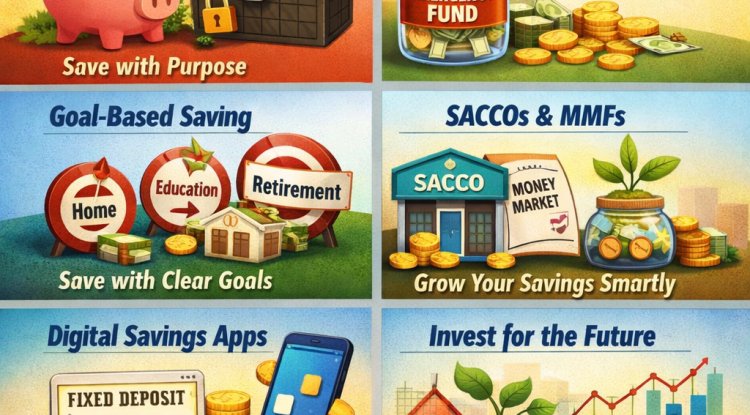
Savings should be treated as an expense, not an afterthought. Whether the amount is small or large, consistency matters more than size.
Common savings categories include:
-
Emergency fund
-
Short-term savings
-
Long-term investments
-
Education savings
-
Retirement contributions
Assign a specific amount to savings each month. Automating savings where possible increases success and reduces temptation to spend.
Step 5: Creating a Summary Section
The summary section shows the overall financial picture at a glance. It typically includes:
-
Total income
-
Total expenses
-
Total savings
-
Remaining balance
Use simple formulas to calculate totals. This section quickly shows whether you are living within your means or overspending.
Using Basic Spreadsheet Formulas
You do not need advanced technical skills to build an effective budget spreadsheet. Basic formulas are sufficient.
Common formulas include:
-
SUM for adding income or expenses
-
Subtraction for calculating remaining balance
-
Percentage calculations for savings rates
Learning these basic functions improves accuracy and saves time, especially as your budget grows more detailed.
Customizing Categories to Fit Your Lifestyle
There is no universal budget that fits everyone. Your spreadsheet should reflect your reality, not an idealized version of it.
For example:
-
Families may include childcare and education categories
-
Freelancers may include irregular income tracking
-
Business owners may separate personal and business expenses
Adjust categories as your life changes. Flexibility is key to long-term budgeting success.
Maintaining and Updating Your Budget
A budget spreadsheet is only useful if it is kept up to date. Set a regular schedule to review and update it, such as weekly or monthly.
During reviews:
-
Compare planned expenses to actual spending
-
Identify areas of overspending
-
Adjust future budgets accordingly
Consistency builds awareness, and awareness leads to better financial decisions.
Common Budgeting Mistakes to Avoid
Many beginners struggle not because budgeting is difficult, but because of common mistakes.
Avoid:
Budgeting is a learning process. Progress matters more than perfection.
Benefits of Using a Budget Spreadsheet
Using a budget spreadsheet offers both practical and psychological benefits.
These include:
Over time, budgeting becomes less about restriction and more about freedom and intentional living.
Budgeting for Different Life Stages
Budgeting needs evolve over time. A student budget differs from a family budget, which differs from a retirement budget.
Life changes such as career growth, marriage, relocation, or entrepreneurship require budget adjustments. A spreadsheet allows you to adapt quickly without starting over.
Building Long-Term Financial Discipline
A budget spreadsheet is not a one-time task. It is a long-term habit that strengthens financial discipline.
With continued use, you will:
-
Make informed spending decisions
-
Anticipate financial challenges
-
Build wealth intentionally
-
Develop a healthier relationship with money
Financial discipline is not about deprivation; it is about direction.
Conclusion
Creating your first budget spreadsheet is a powerful step toward financial clarity and independence. By understanding your income, controlling expenses, prioritizing savings, and reviewing progress regularly, you gain control over your financial future.
A budget spreadsheet does not limit your lifestyle; it supports it. It allows you to spend with confidence, save with purpose, and plan with certainty. No matter your age, profession, or income level, budgeting is a skill that pays lifelong dividends.
Start simple, stay consistent, and allow your spreadsheet to evolve as your financial journey grows.